FAQ
Questions, answered plainly.
If yours is not here, ask it in your early-access request; a person reads every one.
Sending
Will it send without me?
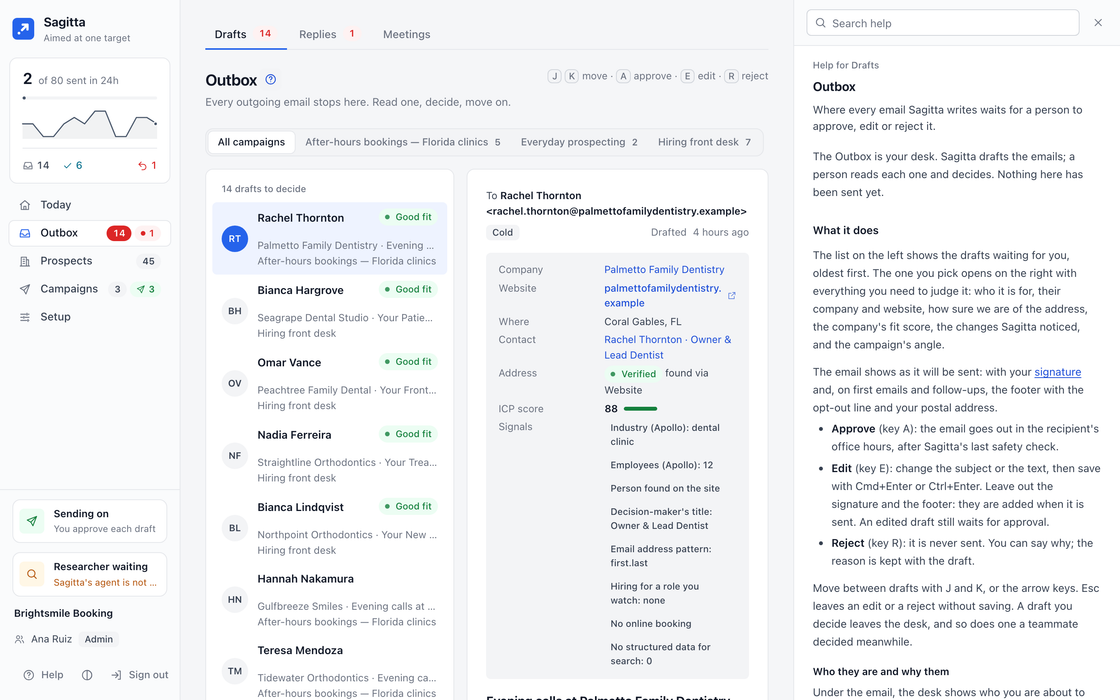
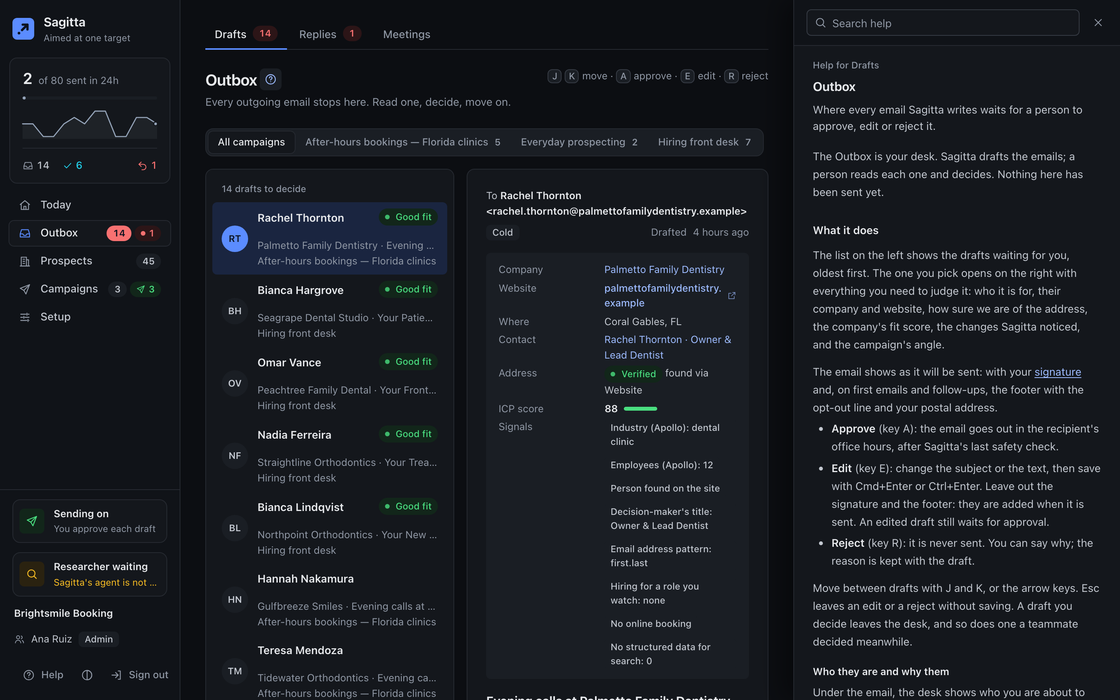
Not by default: a person approves every email. Autopilot is a setting you can turn on; drafts then go without a click, but each still passes the gate, and some always wait for a person, such as anything the gate held or the first answer to a new lead.
What does the gate check?
Every email, when it is written and again before it is sent: unfilled merge tags, banned phrases, HTML, length and links, the address’s quality, the do-not-contact list and opt-outs, and that first emails and follow-ups carry the opt-out line and your postal address. It is plain code, not a model.
Whose mailbox sends?
Yours. You connect your own mailboxes, with Google or Microsoft sign-in or an address and password, and every email to a prospect goes from them, plain text, with your signature.
When does it send?
In each recipient’s working hours (by default 8:00 to 17:00 on weekdays, in their time zone), a few minutes apart, never in a burst, and under each mailbox’s daily cap. New mailboxes start slowly and send more each day.
Can I pause everything?
Yes. One switch on Today stops every email, answers included. Sagitta also pauses sending by itself when too many emails bounce, until a person resumes it.
What about opt-outs?
An opt-out in a reply, in English, Spanish, French, German or Italian, stops all contact with that person at once, and only a person can undo it. Every first email and follow-up ends with a line saying how to opt out.
AI and data
Which AI does it use, and whose key?
The model you choose, with your own key: Anthropic, OpenAI, an OpenAI-compatible server, or Ollama on your own server or Ollama Cloud. You can use a different model for each job, and set a daily limit on model calls.
Does the AI see my mailbox?
The model reads the replies it is asked to sort and answer, marked as untrusted text. It has no tools: it cannot browse your mailbox, send, or change anything. Sagitta never deletes, moves or labels your mail.
Where do companies come from? Does it buy lists?
From the free map search (OpenStreetMap) and each company’s own website, and from the providers you connect, such as Apollo, Serper, DataForSEO or Hunter, on your account and within a budget you set. It never buys a list.
How are facts sourced?
Every signal is recorded with the day and the page it came from. A dossier names the page behind each part, or marks it inferred or not found, and the fit verdict’s reasons each point to one of them.
Setup
What do I need to start?
Your AI model key to begin: with only that, Sagitta can find companies, read their sites, research the best ones and draft emails, sending nothing. To send, add a mailbox and your postal address.
How long until the first email goes out?
As soon as you approve one and your mailbox is ready. A new mailbox warms up: 10 cold emails on day one, 5 more each day up to its cap, and by default cold email waits until the mailbox is ready.
Does it work with my CRM, calendar and Slack?
CRMs: HubSpot, Pipedrive and GoHighLevel. Calendars: Google Calendar, Microsoft Outlook, cal.com and Calendly. Slack, for alerts, a drafts digest with Approve and Reject, and commands.
Is there help inside the app?
On every page. Press the ? key, or the ? beside a page’s title, and its help opens beside it; in Settings, each section and many single fields have their own. The panel follows you from page to page, and a search finds any topic.
Can my AI assistant use it?
Yes, over MCP. Claude and ChatGPT connect by signing in, Claude Code by signing in or with a key, Cursor with a key. An admin grants each one Reads, Decides or Admin. An assistant can never send directly, change settings or see a secret.
Account
Can I host it myself?
No. Sagitta is hosted and run by 2am.tech. You connect your own mailboxes, AI model and data providers to it.
How do I sign in?
With Google, Microsoft or a one-time code sent to your email. There are no passwords. Admins who sign in with an email code add a second factor: a passkey or an authenticator app.
Who can approve?
Roles decide it: Admin connects things and manages people, Decides approves, answers and runs campaigns, Reads only can look. Every decision is logged in Activity with who made it.
How do I get access?
Sagitta is opening to a small group first. Request early access and a person at 2am.tech will write back.
Aim your outbound.
We are opening Sagitta to a small group first. Tell us who you sell to.
Request early access