How it works
The whole picture, step by step.
What Sagitta does from the moment you set it up to the meeting on your calendar, and where a person decides.
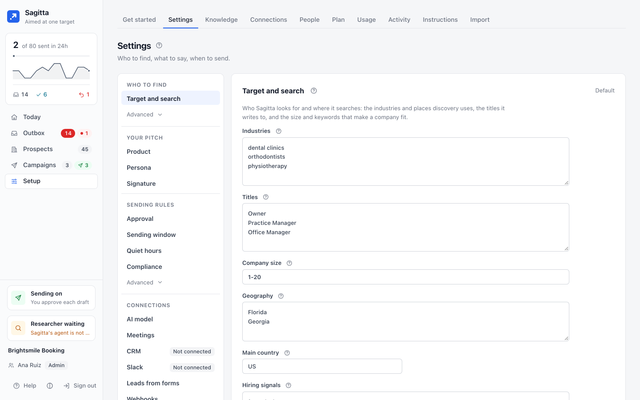
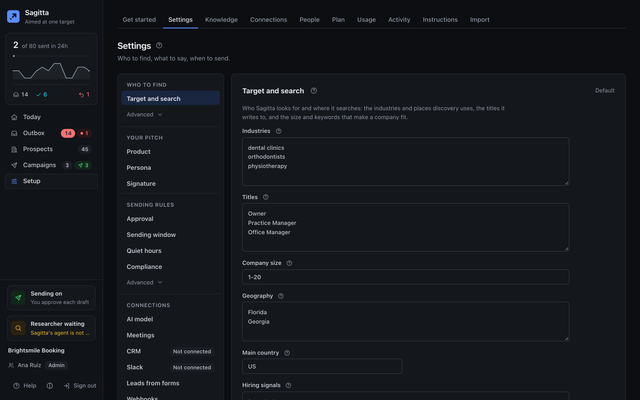
Set your target
Tell Sagitta who you sell to (industries, places, company size, the titles to write to), what you sell and the answers to the usual objections, who writes and in what tone, and how emails are signed. Add your postal address: without it, nothing is sent.
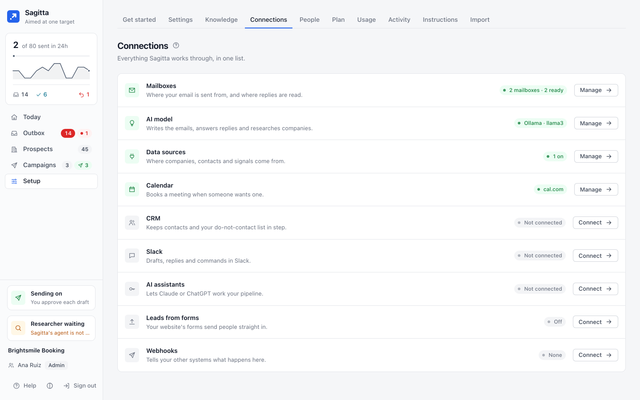
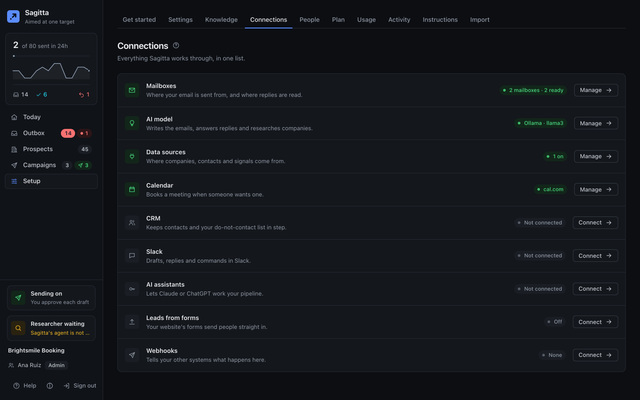
Connect
An admin connects a mailbox (Google or Microsoft sign-in, or an address and password) and your AI model with your own key. Optionally: a calendar, data providers, a CRM, Slack and your AI assistant. A new mailbox warms up slowly before it sends many cold emails.
Find and watch
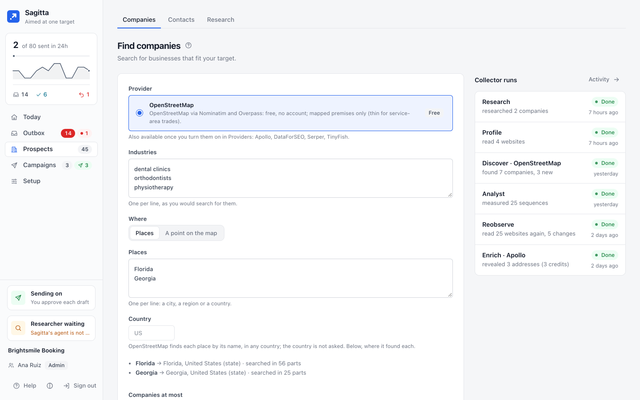
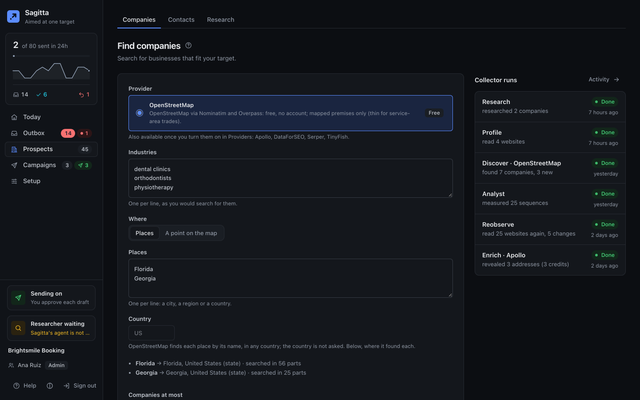
A search adds companies from the free map data and the providers you turned on. Sagitta reads each site for signals, each with its day and page, finds who decides there, and scores the fit. It re-reads sites when it has time and records what changed.
Research
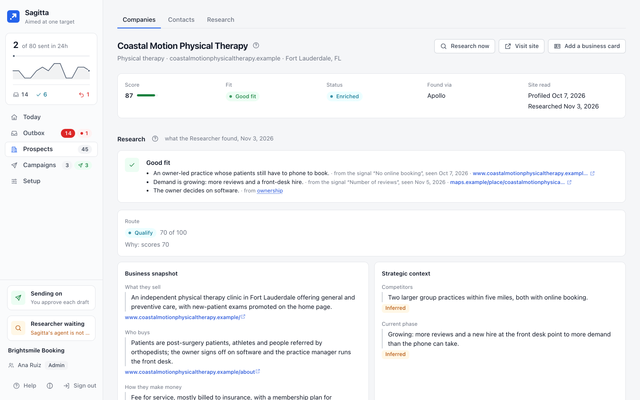
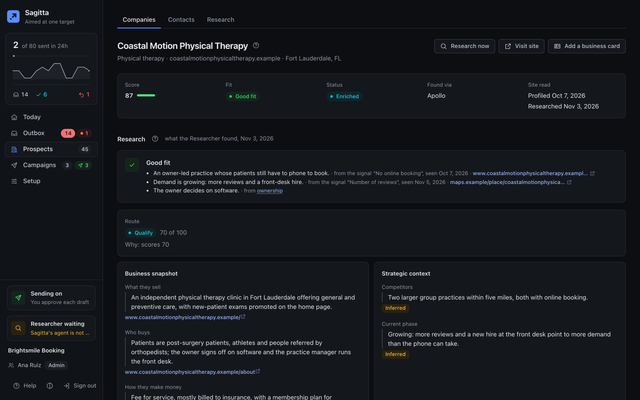
For the segments you choose, the Researcher writes a dossier with a source for every part, a fit verdict with its reasons, up to three opportunities, and a route by rules: prioritize, qualify, nurture, research more or deprioritize.
Campaigns
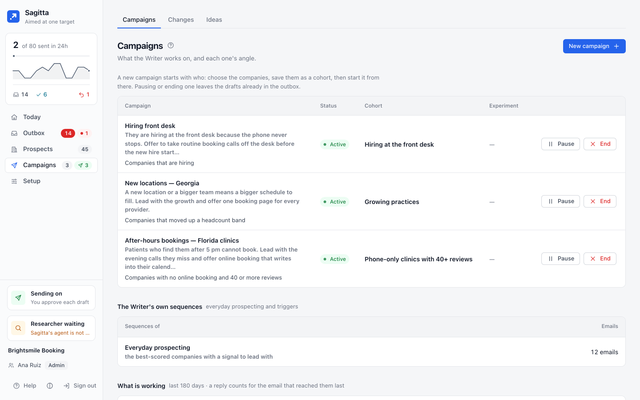
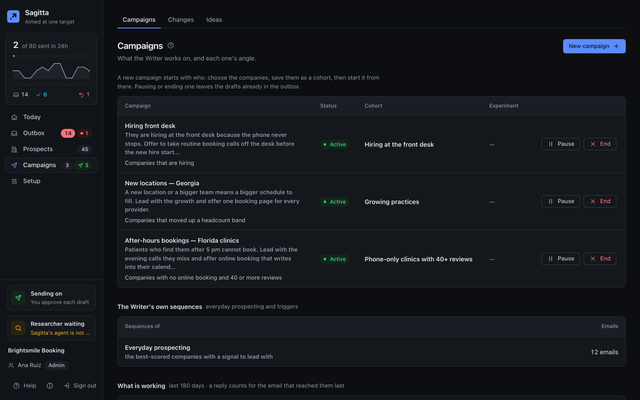
Start from who: a cohort of companies that match the signals you pick, and an angle. Sagitta writes a short sequence for one person at each company, only when it has something specific and recent to say. Trigger rules can start drafts when something changes.
The desk
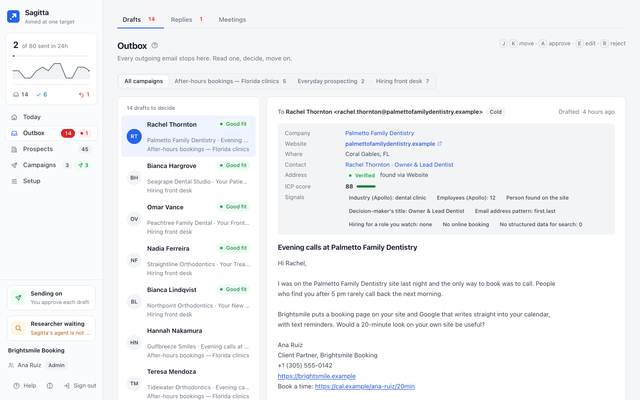
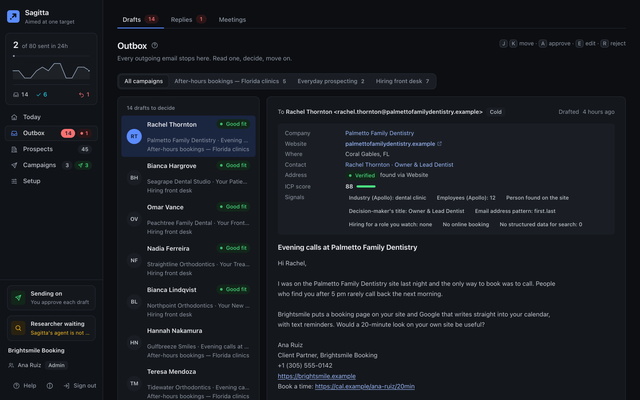
Every draft waits with who the person is, why them and the change it leads with, exactly as it will be sent. Approve, edit or reject from the keyboard. Approved email goes out in the recipient’s working hours, a few minutes apart, under each mailbox’s daily cap.
Replies
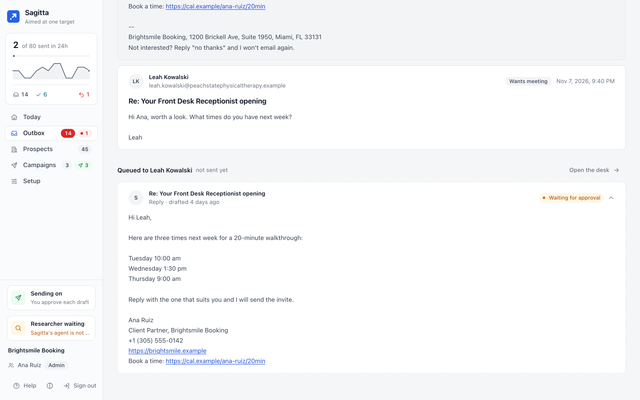
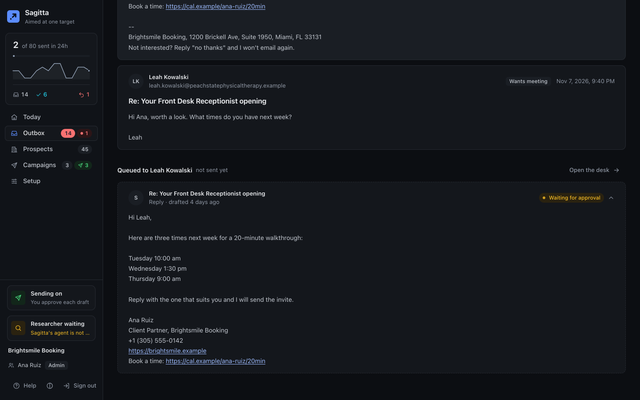
Replies are sorted and answered in drafts that wait for you. Pricing, contracts, questionnaires and anything unsure are handed to a person. An opt-out stops all contact with that person at once.
Meetings
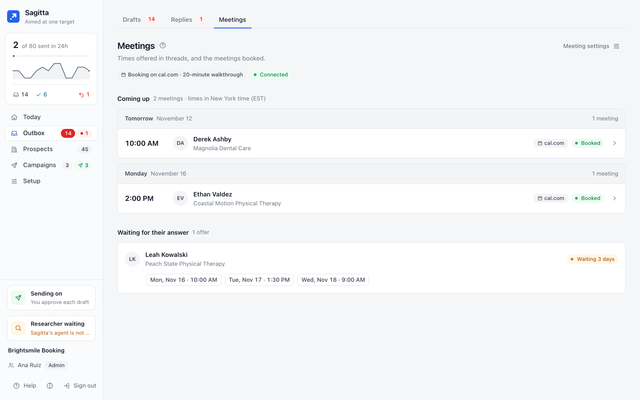
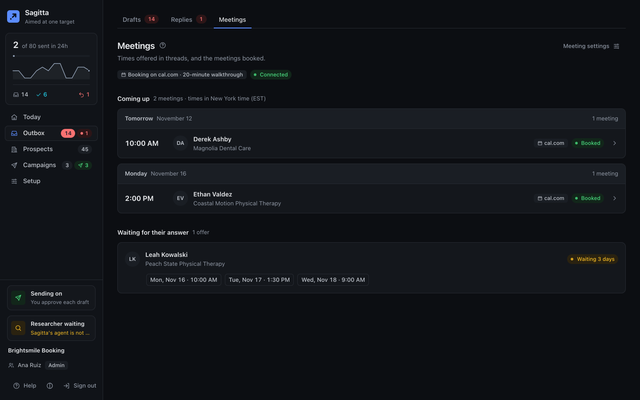
When someone wants to meet, the answer offers free times from your calendar. When they pick one, Sagitta checks it is still free and books it, with the invitation sent.
Learning
Teach Sagitta what is true about you in Knowledge, one claim at a time with its source. The Strategist proposes ideas, each with the number it will be judged on, for you to accept or drop, and What is working compares what was sent once there are enough people to tell.
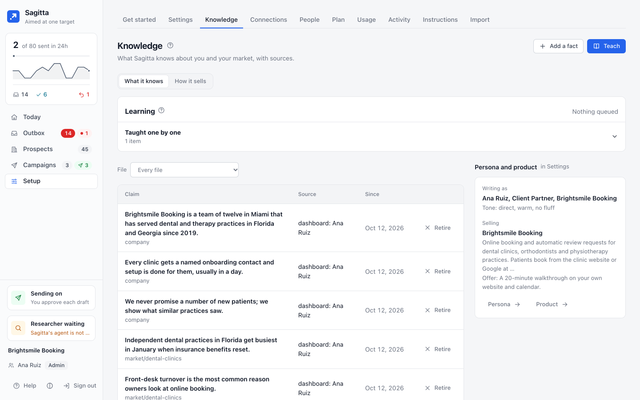
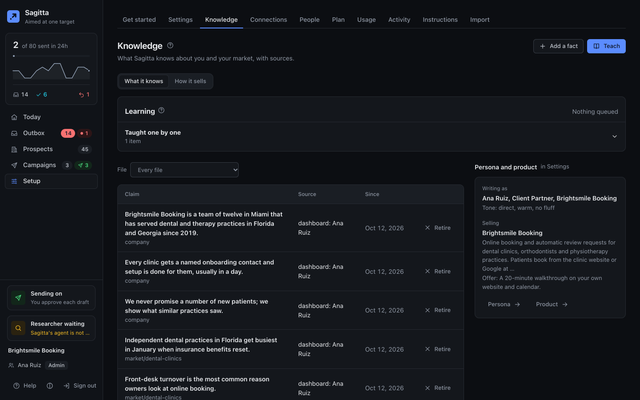
Screens show example data.
The rules that never bend.
A person approves by default.
Autopilot is a choice you make, and some drafts always wait for a person.
Every email passes the gate.
Unfilled tags, banned phrases, length, links, the opt-out line and your postal address, the do-not-contact list. Twice: when it is written and just before it goes.
An opt-out stops everything.
An opt-out in a reply, like "no thanks", stops all contact with that person. Only a person can undo it.
The AI has no tools.
It drafts and judges. Plain code sends, and only what passed.
Office hours, caps, quiet hours.
It sends in the recipient's working day, a few minutes apart, under each mailbox's daily cap.
Every fact is an observation,
with its source and its date. Guesses are marked as guesses.
Aim your outbound.
We are opening Sagitta to a small group first. Tell us who you sell to.
Request early access